Our site is: Welcome · BJ Bud Memorial Archives Exhibit · ASU Library Exhibits
I am modifying a child theme of Lively 1.1 to implement better accessibility in general.
Despite all my attempts, I couldn’t get Omeka (core and modules all latest versions) to default to the title or any other of our Dublin core fields no matter what I picked in global settings for the media alt text property field. Then I read the forum question about the media alt text property and what metadata it’s using, and since the media title is apparently the filename and there is no other metadata connected, this global setting isn’t going to work for me.
So, I’ve resorted to editing the theme templates to improve a couple of key accessibility issues:
- Set grid thumbnails to not be links since the title text links to the same item page, and set the alt text to empty for unlinked thumbnails.
- Set the item page alt to the title text if there’s no custom alt text associated with the image.
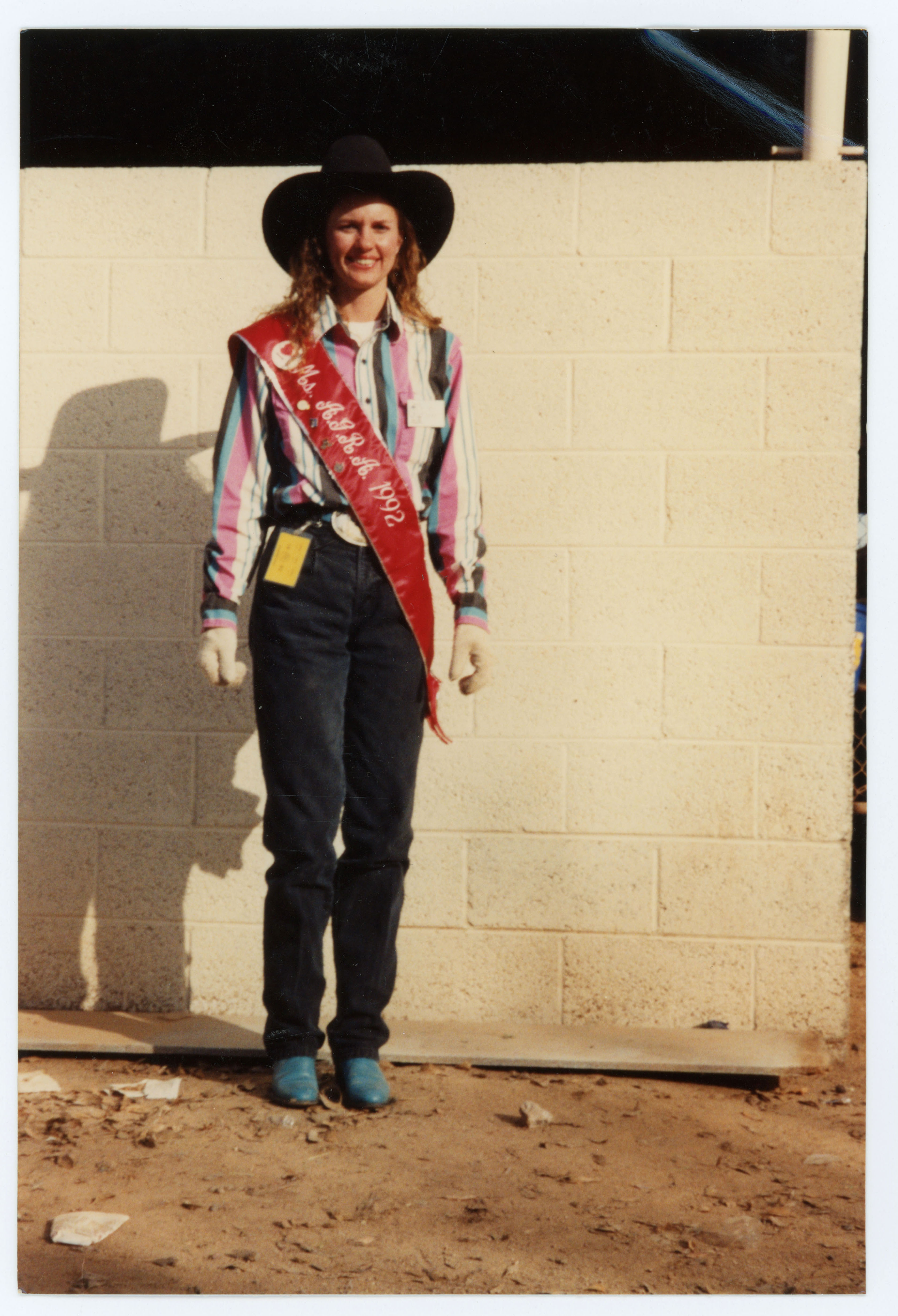
These changes have improved alt text and accessibility for images across the site, but, I’m running into a problem when linking to the original file as part of the item page features. See this example: Miss Arizona Gay Rodeo Association 1992 · BJ Bud Memorial Archives Exhibit · ASU Library Exhibits
On the item page, if no custom alt text is associated with the file, the title gets used, which is what I want. However, if one clicks the image to view the original file, the default alt text becomes the file name again. I can’t find any theme file to edit or other setting to change that can stop the use of the file name in this instance if there’s no custom alt text accompanying the image. Is there such a theme file in general?
I am only assisting with technical aspects of our site and am not the person who is in charge of the data. If the solution is the data person needs to include additional metadata or custom alt, that’s the answer I can take back to my team, but if there’s a way to control the alt text on this last leg of the link tree to see the image, I’d really like to find that solution and implement it for a better user experience sooner rather than later. Updating the metadata may take a while.
I’m relatively new to Omeka so maybe I’m missing something but I’m not finding anything to help me in the docs so I’m asking here. Appreciate any and all feedback!