SearchSolr and Metadata Browse style links

We are using the SearchSolr module by Daniel Berthereau to provide faceted search. We were hoping to combine this with the style of links provided by the Metadata Browse module where chosen metadata fields show a hyperlink in the full record display which leads you to all the records with that exact value.

We have enabled Metadata Browse on our development site, but the links take you to the standard Omeka S search. It works, but that means we would have to maintain and configure both the standard search results page and the Solr one. Also, users do not get the benefit of then being able to refine the results by adding further criteria.

I have looked at a few examples of sites listed on the Omeka S Directory which are using SearchSolr, and I have found one which achieves what we want, the Memoria Digital de Canarias. If you look at an item (example item) you can see links for the author and some other fields:
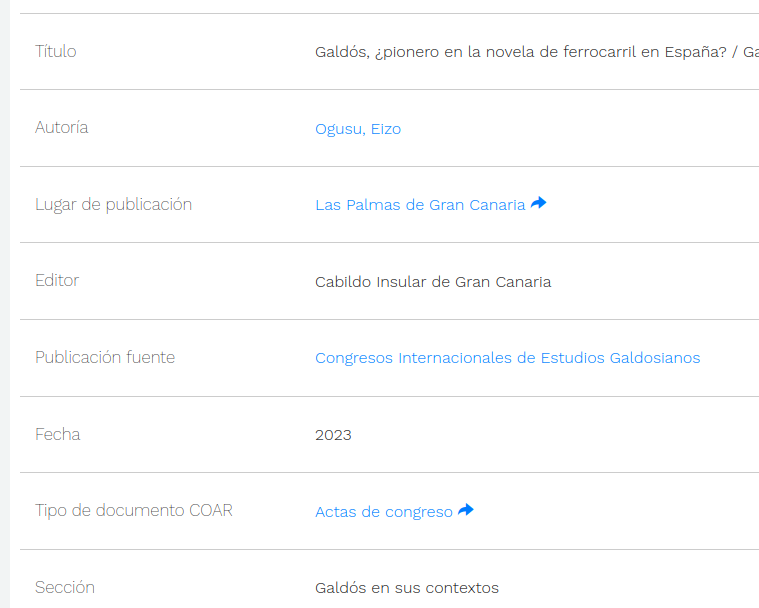
If I follow the link to the author I then get the results for that author and the facet display for filtering:
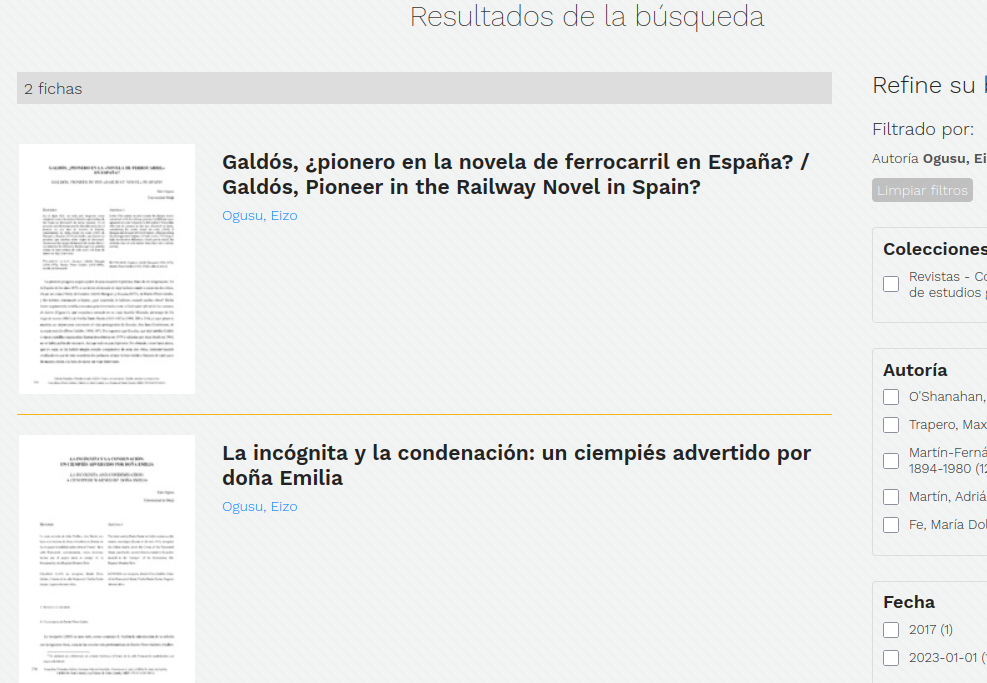
I can tell also from the style of the link that it is using the Solr search:

https://mdc.ulpgc.es/s/mdc/busqueda?q=&facet[dcterms_creator_ss][0]=Ogusu,%20Eizo

Is there a standard option to do this which we have missed, or has this site been created with a special theme or extra module which builds these links in a similar way to Metadata Browse?
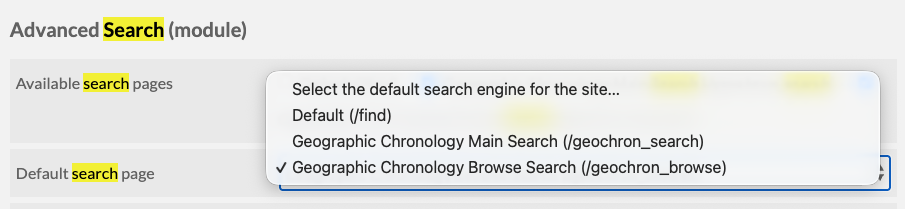

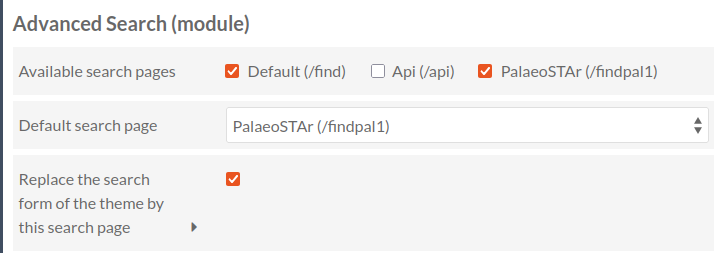
We have a similar setup (on an as yet unpublished site) and the metadata links go to the Advanced Search module, though we are not yet using Solr with that. Have you, by chance, set your default search engine for the site? (in site admin/Settings tab under “Advanced Search (module).” I think if it is set to “default /find” then that’s where the metadata links will go, you’ll need to choose the search you set up under Modules/Search Manager.

Thanks - we hadn’t fully explored those settings! It turns out this was the crucial one:

image

Spoke too soon. We have set the default search page as you suggested, and ticked to replace the search form of the theme:

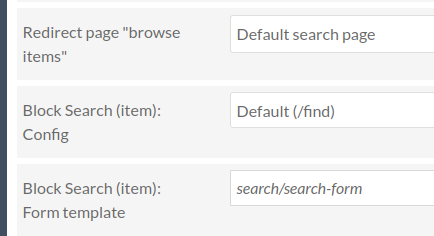
We then choose to redirect page “browse items” to the default search page (or explicitly to our Solr search page) but don’t configure the “Block Search (item)” settings below (they can’t be relevant, right?):

If we do that, then clicking on Browse in the main navigation goes to xxxxxx/s/sitename/item as normal but the page displays our advanced search form and the Solr results. Applying a facet, for example, then created a URL like

xxxxxx/s/sitename/item?resource_type=items&facet[palaeostar_collection_ss][]=Brent

and the results are displayed correctly.

But if we go into an item and follow a Metadata Browse link, the URL is of this form:

xxxxxx/s/sitename/item?property[0][property]=207&property[0][type]=eq&property[0][text]=Brent

which is the standard Omeka approach. The page still displays the Solr search form, and the Solr results and facets. Above the results, it shows the filter from the URL:

image

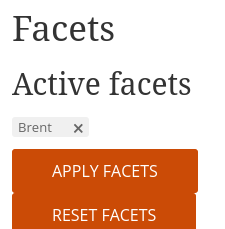
But the results underneath are not filtered: it’s all the records in the system. If we had applied the collection value of Brent via the facets, the indicator for what is being filtered appears in a different style, above the facet area:

So, it looks like the Metadata Browse links are not altered: they are still going through to the default Browse page. That Browse page has been intercepted and displays the Solr results, but it is not picking up the values in the URL and converting them to anything that makes sense to Solr.

I have verified it’s nothing we have broken by restoring the default theme and removing any special page resource blocks we were using.

I wonder whether there is another setting somewhere we have missed. On your unpublished site, do the Metadata Browse links work correctly?

It might be helpful to know if they still use the same style of URL with “property” for the filter values, or do they get rewritten to use the “facet” parameters which the Advanced Search uses?