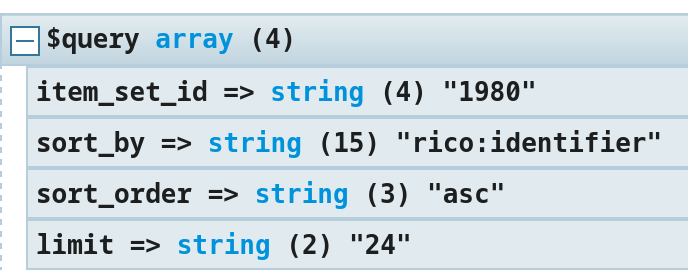
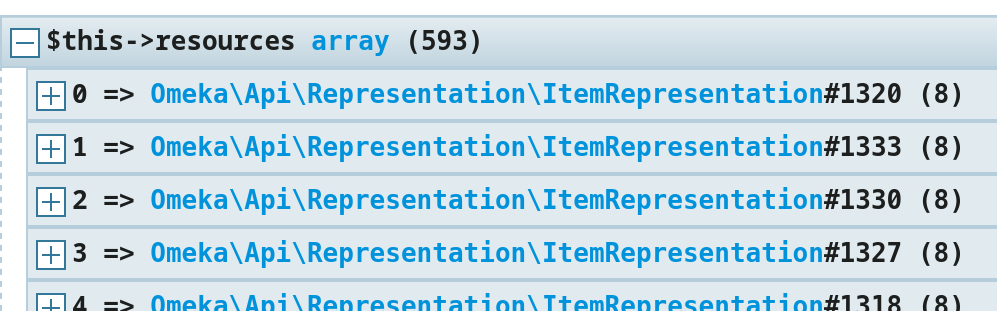
Trying to get a limited number of items (the first 12 in my example), I just run a query like .../api/items?item_set_id=1234&limit=12 but this will return all the items, whereas .../api/items?item_set_id=1234&per_page=12 will return the expected number of items.
Hi @boregar, I could be wrong, but I don’t think the limit parameter is implemented in the REST API endpoint. I took a quick look at the ApiController and I don’t see it applied anywhere.
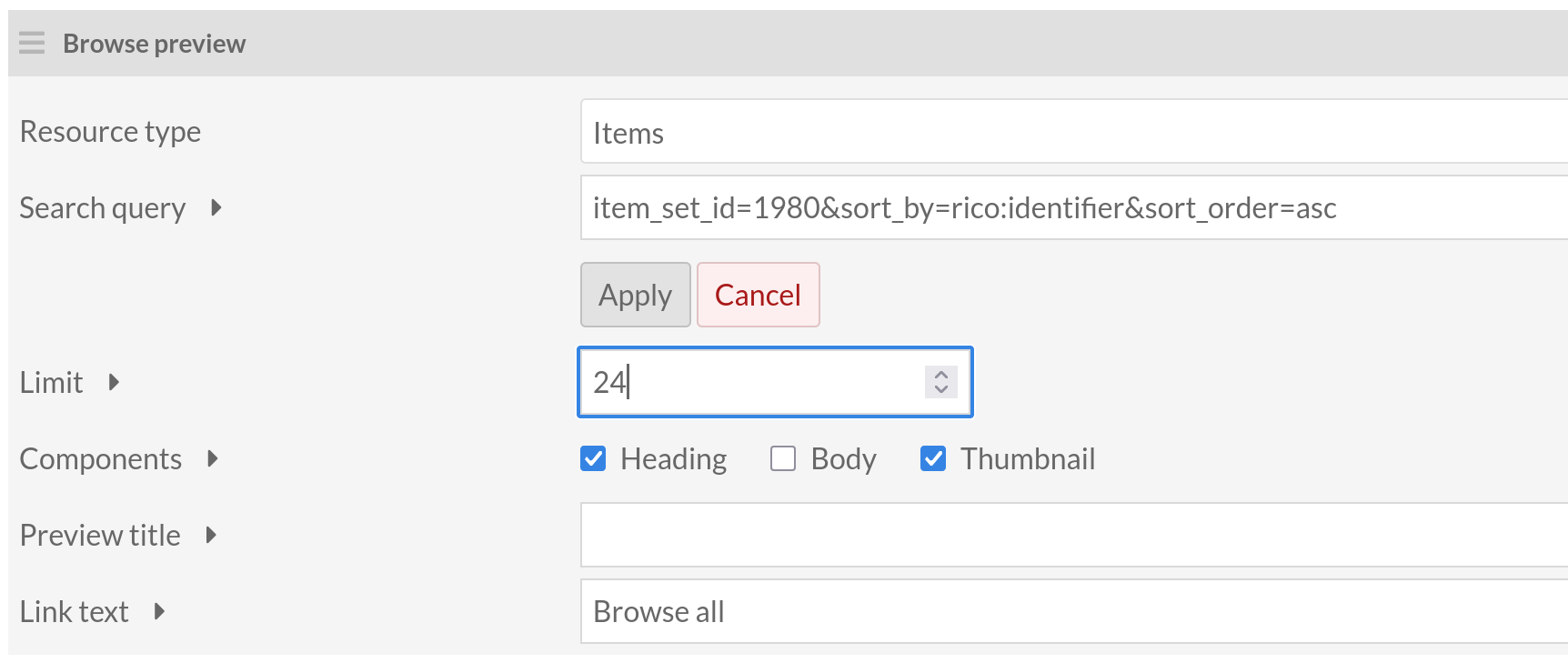
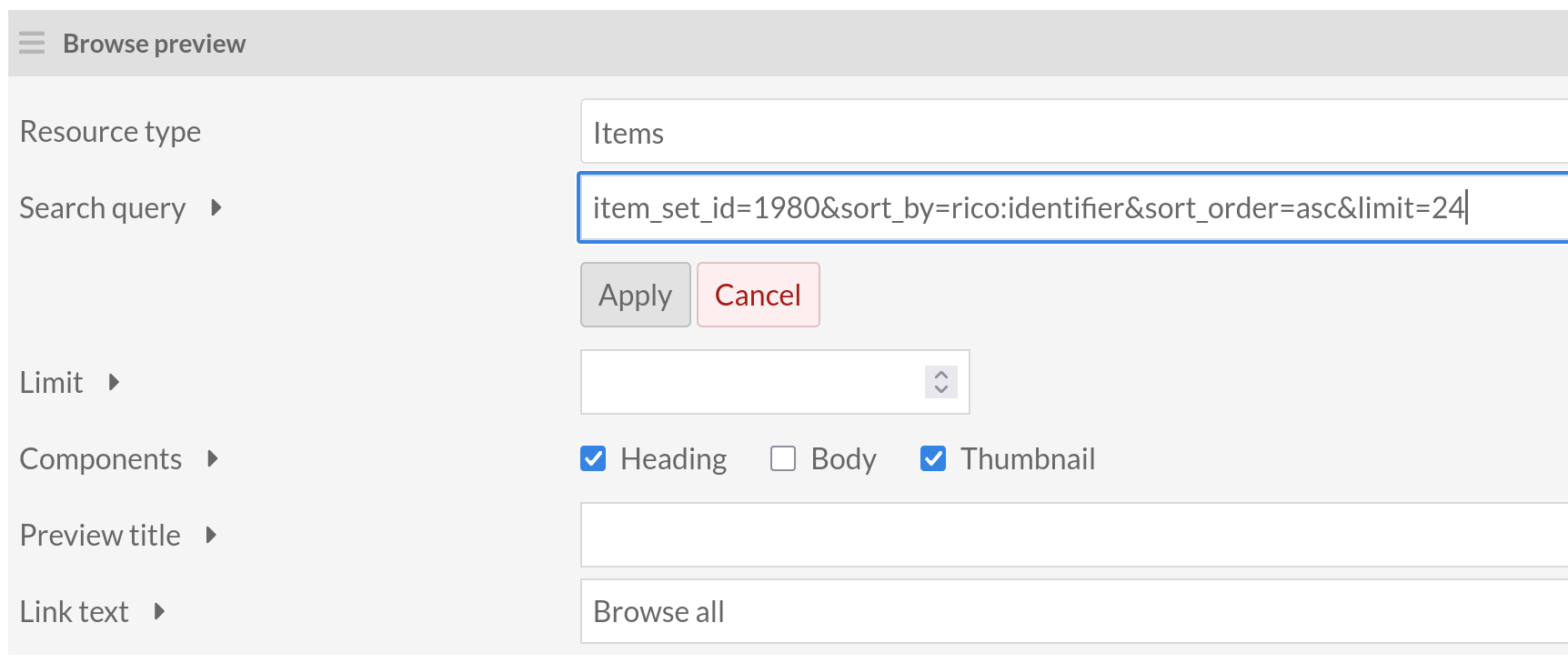
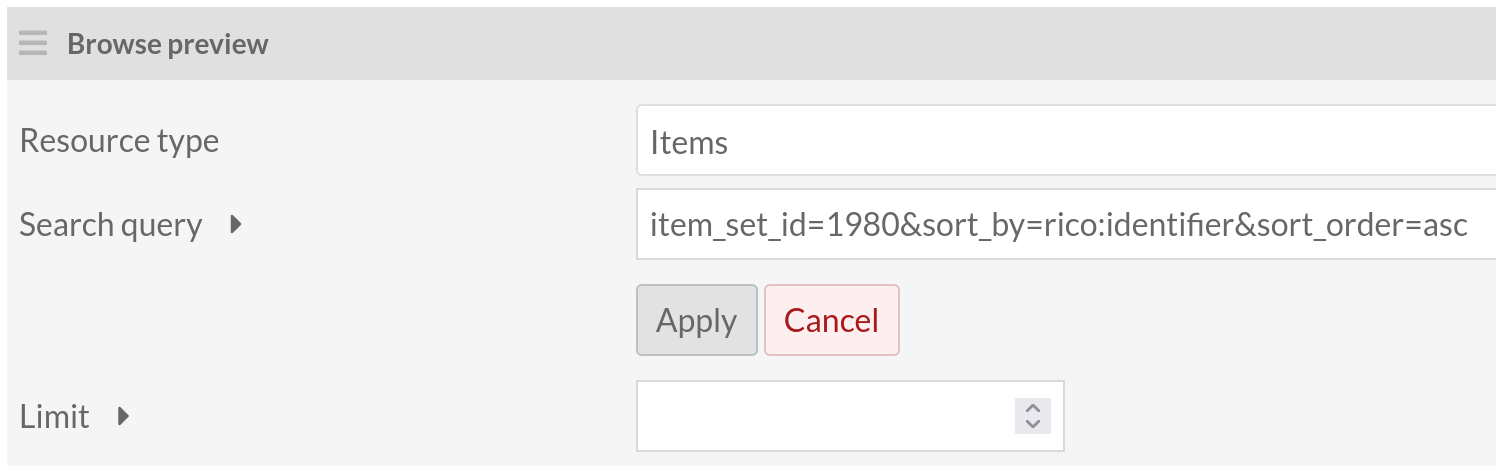
Upon examining the Browse Preview block code, it appears that the result of the Search query is not being used to set a limit because it’s always being overwritten by the form value. Even if you don’t set a limit value in the form, a default of 12 will be used.
Hi Jon, in this case there should be a warning about the fact that the limit parameter can not be specified in the advanced query string. This means that the search query string does not conform to the documentation.
@boregar, where in the documentation does it say you can use the limit parameter in a search query string? Specifically for the Browse Preview block, I would assume that it would be an option in the query editor if it were intended to function in the search query string and not rely on the Limit field in the form.
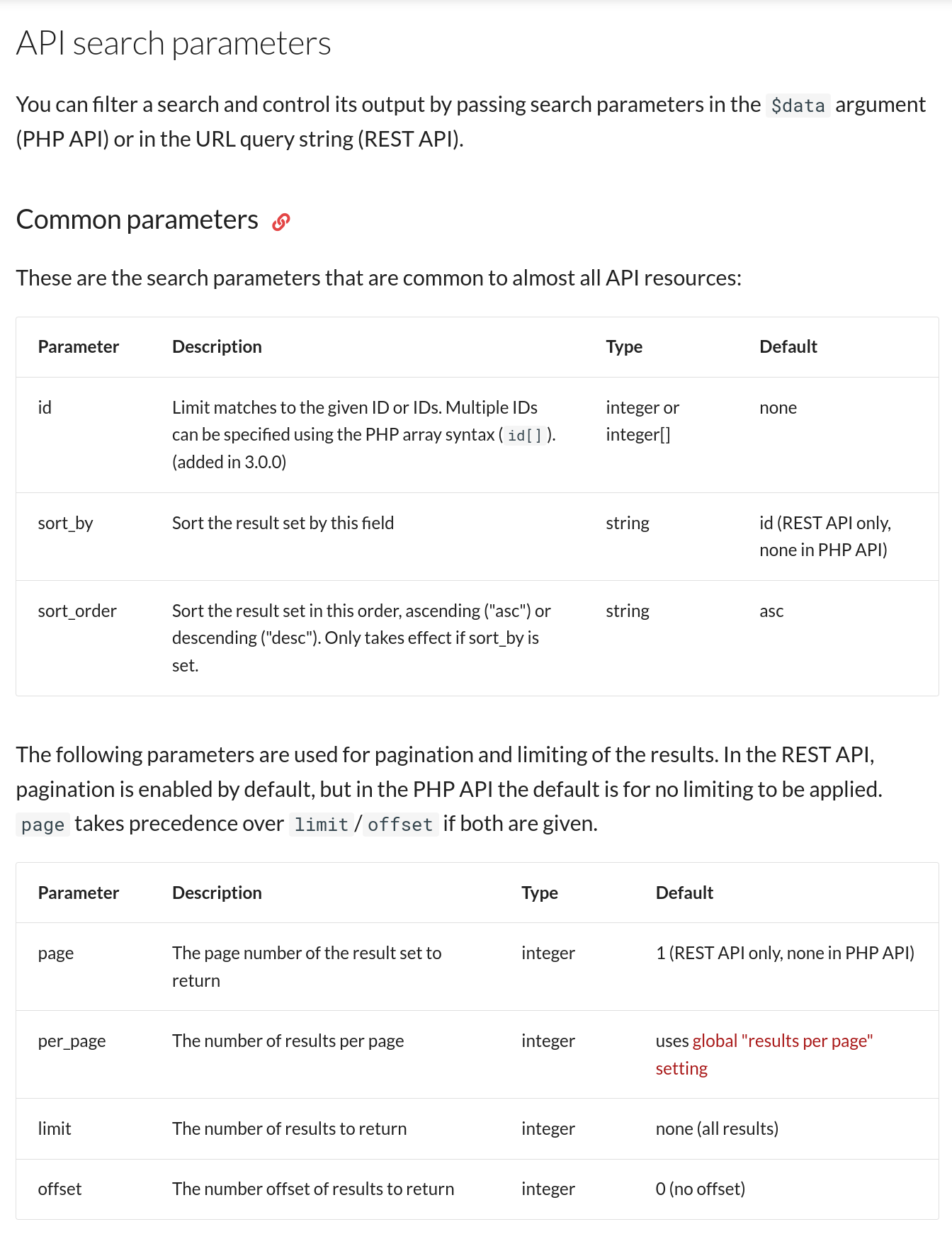
I agree that there is a bug in the API (or API documentation) because the limit is not taken into account when it’s specifically mentioned in the docs you pointed to.
Hi Jon, by documentation I mean the developer documentation, this is obviously why I post in the Development section of the forum
As I did not see an alternative to $view->api()->search(...) to run a search query, I thought that the query string parameters listed in API Reference - Omeka S Developer Documentation were used everywhere a query needs to be built, be it by writing PHP code in a template or by filling a form in the Browse preview block.
Pagination is enabled by default in the REST API, meaning that it expects the page and per_page parameters to be used for pagination. If you must use limit, you can force its use by passing and empty page parameter, like ?limit=12&page, but that’s an undocumented feature. Instead, use ?page=1&per_page=12.
I’ll look at adding something to the dev docs to make it clearer that the args you pass to the PHP API are an array, not a string. (edit: actually I think the docs are pretty much okay here already… the PHP API page says that $data is an array, and the reference page you linked notes that pagination “beats” limit and that pagination is default-on for the REST API).
As for Browse Preview, it’s just a browse preview specific thing for that block that we know limiting the number of arguments will be a common use for people, and that the graphical version of the query editor most people will use doesn’t have a limit input, so we have the limit pulled out into a separate input. As a consequence we have that set to override whatever comes in via the query. I don’t think we’re likely to change how that works, but the helper text for Limit should probably be saying that 12 is the default.
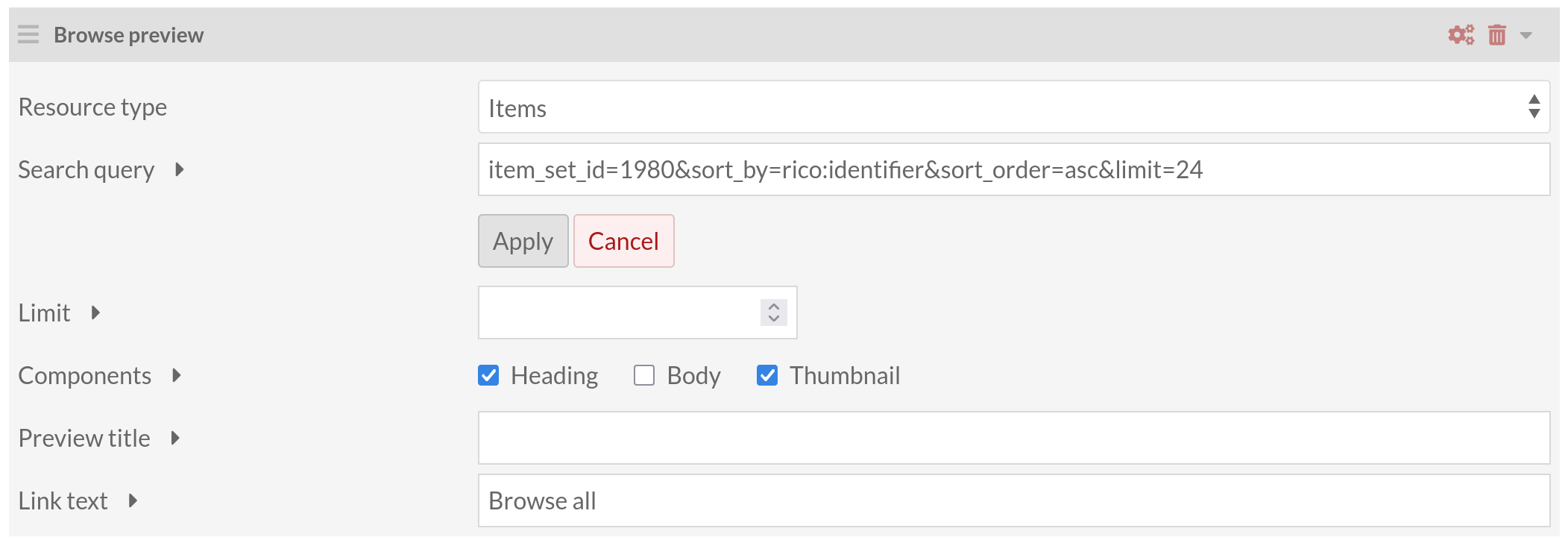
Thanks John, that’s cool if you can add something in the dev doc. As for the limit, leaving the Limit text box empty does not respect the hard-coded value of 12: to demonstrate this, simply leave empty the Limit text box:
Oh yeah. The 12 fallback will get used only in a rare situation where the Limit box doesn’t get submitted at all, as opposed to being blank.
The helper text therefore correctly doesn’t list a default, in accordance with how the block actually works, but the 12 fallback implies an intention to have a default… we’ll have to just go one way or the other on that. Since the behavior has been to not limit on a blank entry there we’ll probably lean toward keeping it working that way at least for the time being.
Yes, maybe… even if it sounds logical to limit the number of items returned by using the limit parameter. Actually, per_page means “give me n items per page” and limit means “give me only the first n items”, which is what I expected.