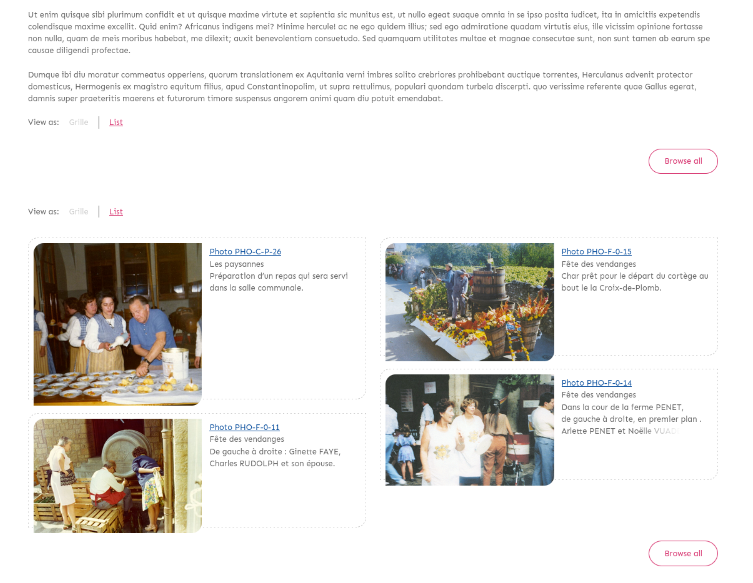
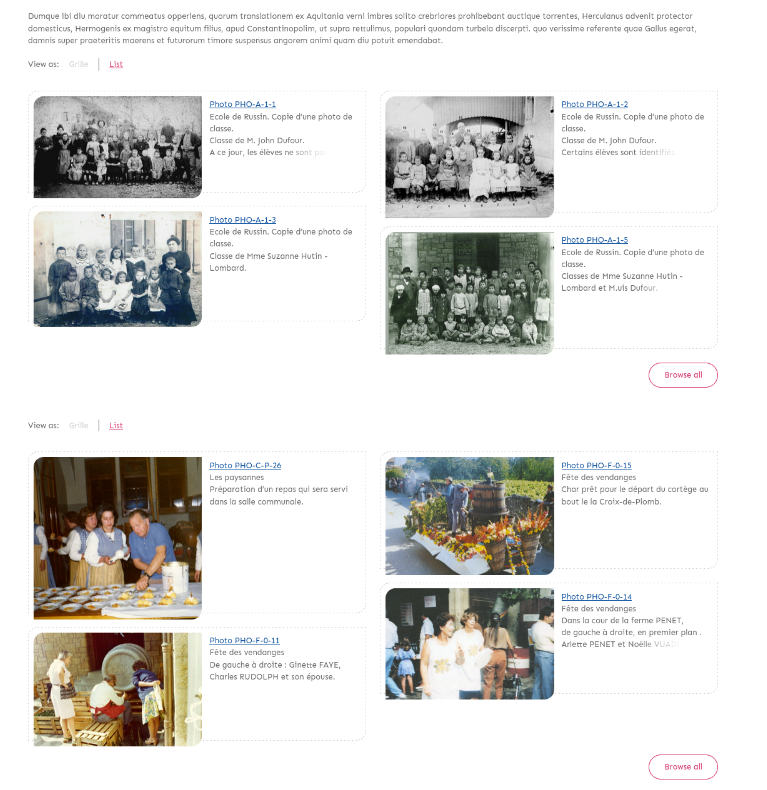
I am running into an issue with the Lively theme and having multiple browse preview blocks on a single page.
If I have more than one browse preview, the theme only displays the items in the last browse preview block. It still shows the title and a “browse all” link for earlier blocks–but not the items, even though they do appear when I click view source.
Hi, it looks like you found a nice bug due to the way the Masonry grid is getting instanciated in the browse.js script (I often have the same issue using Isotope).
To reproduce the bug, simply put 2 browse preview blocks on a page. The first grid has a zero height:
Thanks @boregar and @bakerstewart . This issue was already fixed in the master branch of the theme and will be included in the next release. In the meantime, you can download a copy of the master branch and use it.
@nelsonamaya, there is also a pretty simple fix with the skip link in Lively having an incorrect URL (there’s already an issue for it in the github repo) in case you weren’t aware of it.
Thanks @bakerstewart! We are aware of this issue and I think there’s a fix already in place for it but I’ll double check and will make sure it is included in the next release as well.