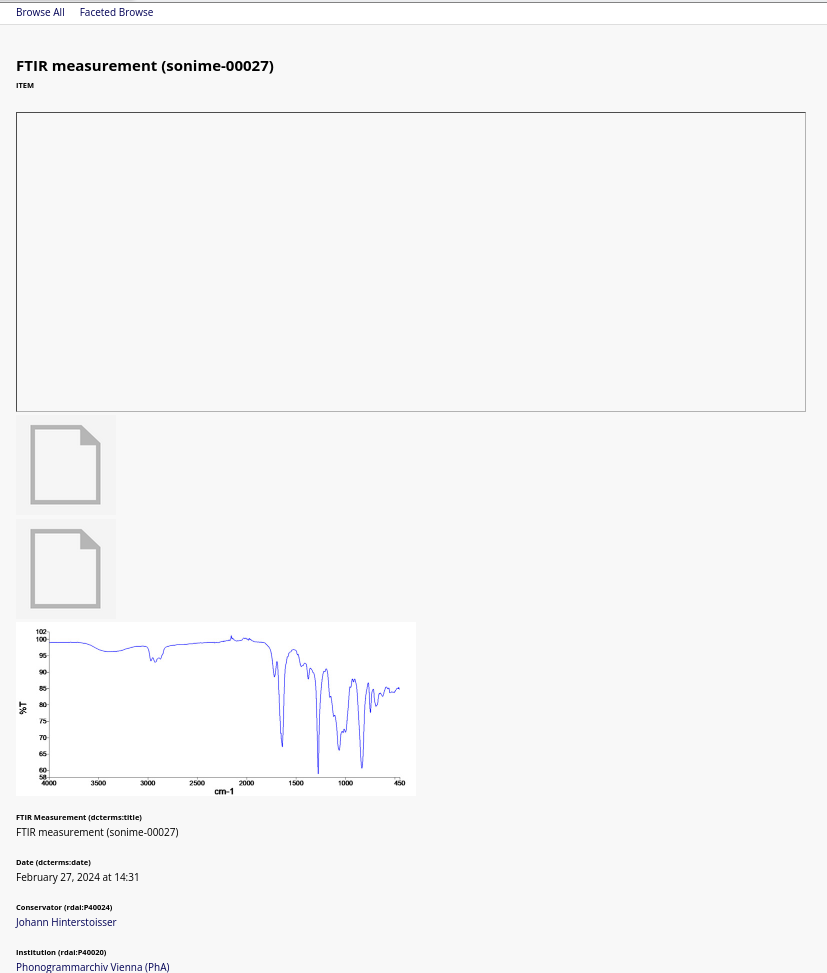
I’d like to display only the media marked as “primary media” linked to an Item.
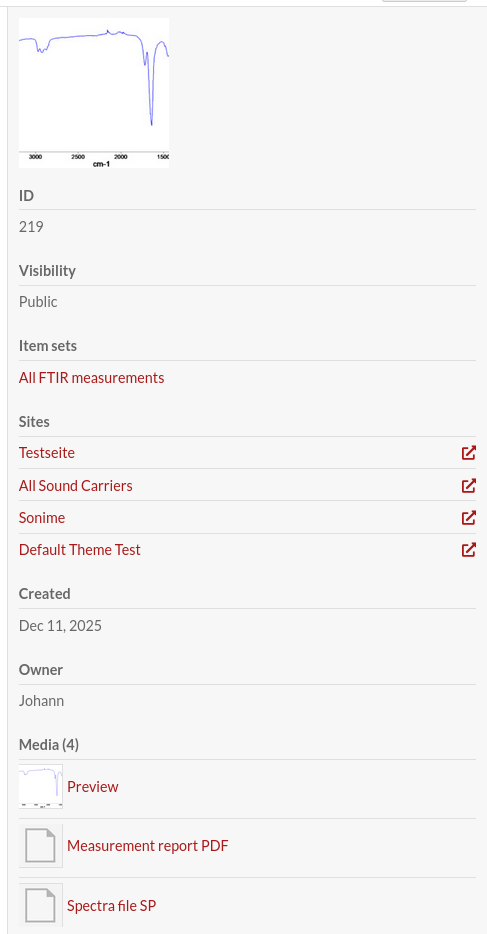
Currently the “Media embeds” block lists all linked objects, in order in which they’ve been assigned/uploaded. The order in “Media” tab of that item seems to be ignored.
In my case that’s a PDF, 2 data files and 1 PNG. (in that order) - see screenshot:
The order shouldn’t be different… the media pretty much always get loaded in the “position” order that you specify, and the “media embeds” block doesn’t try to mess with the order. It’s possible this is the same order, depending on what kind of file each of these is… the first on your public side is some kind of failed rendering that’s trying to appear in an iframe, it looks like.
You could edit the media-embeds block to make it only show images. The media-embeds view file is common/resource-page-block-layout/media-embeds.phtml and you could override it in your theme, checking the medias mime types with $media->mediaType(), maybe checking if it starts with image/ if you want to show only images.
You can also do this by making a new block: you can define a block in the theme and have it use its own view partial, and then you could pick between the original and your image-only one. This requires adding some lines to your theme.ini; the process is described in the developer docs.
For either of these options, you might then want to additionally use the media list block to do the listing and then place it lower on the page.