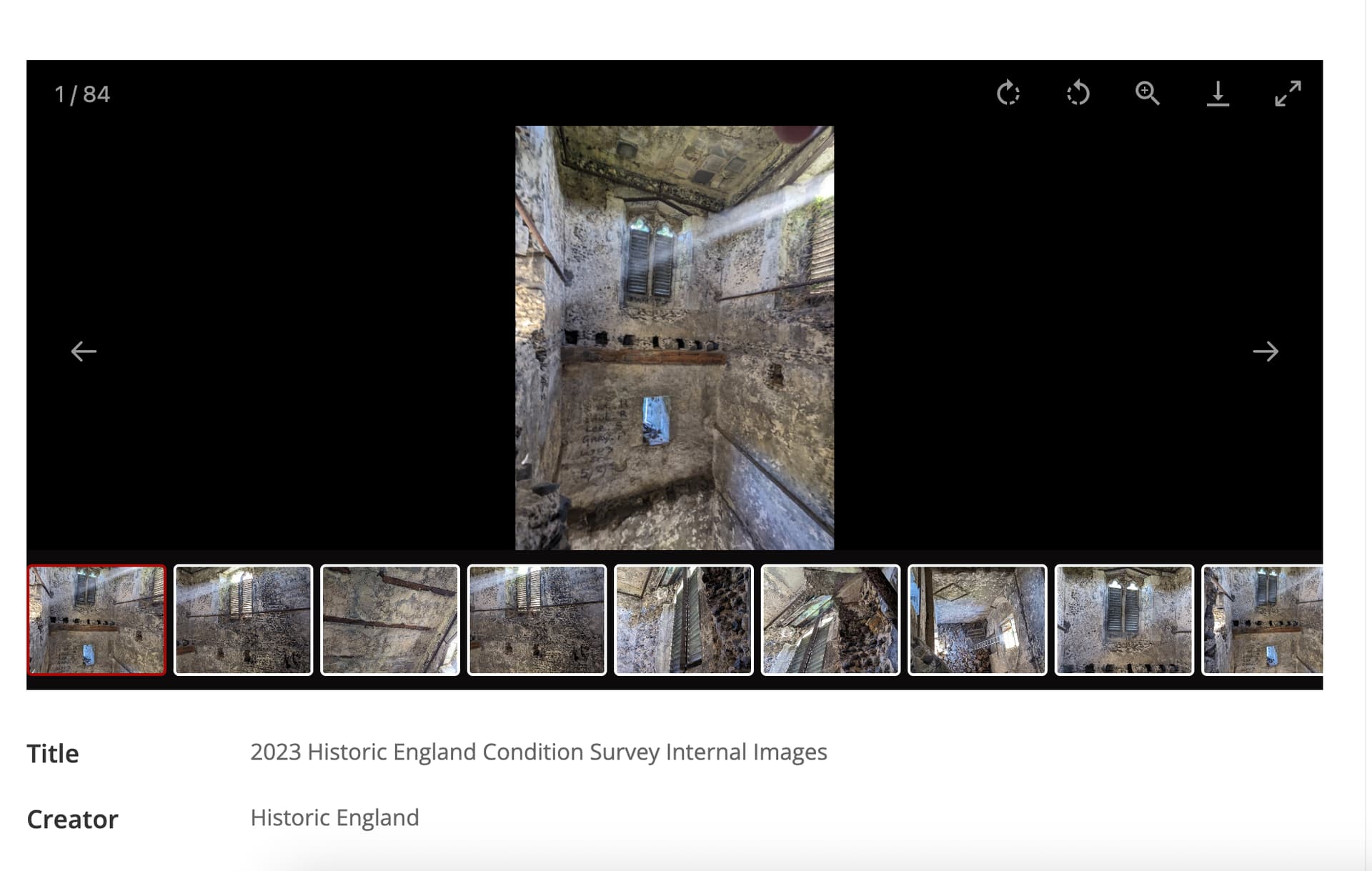
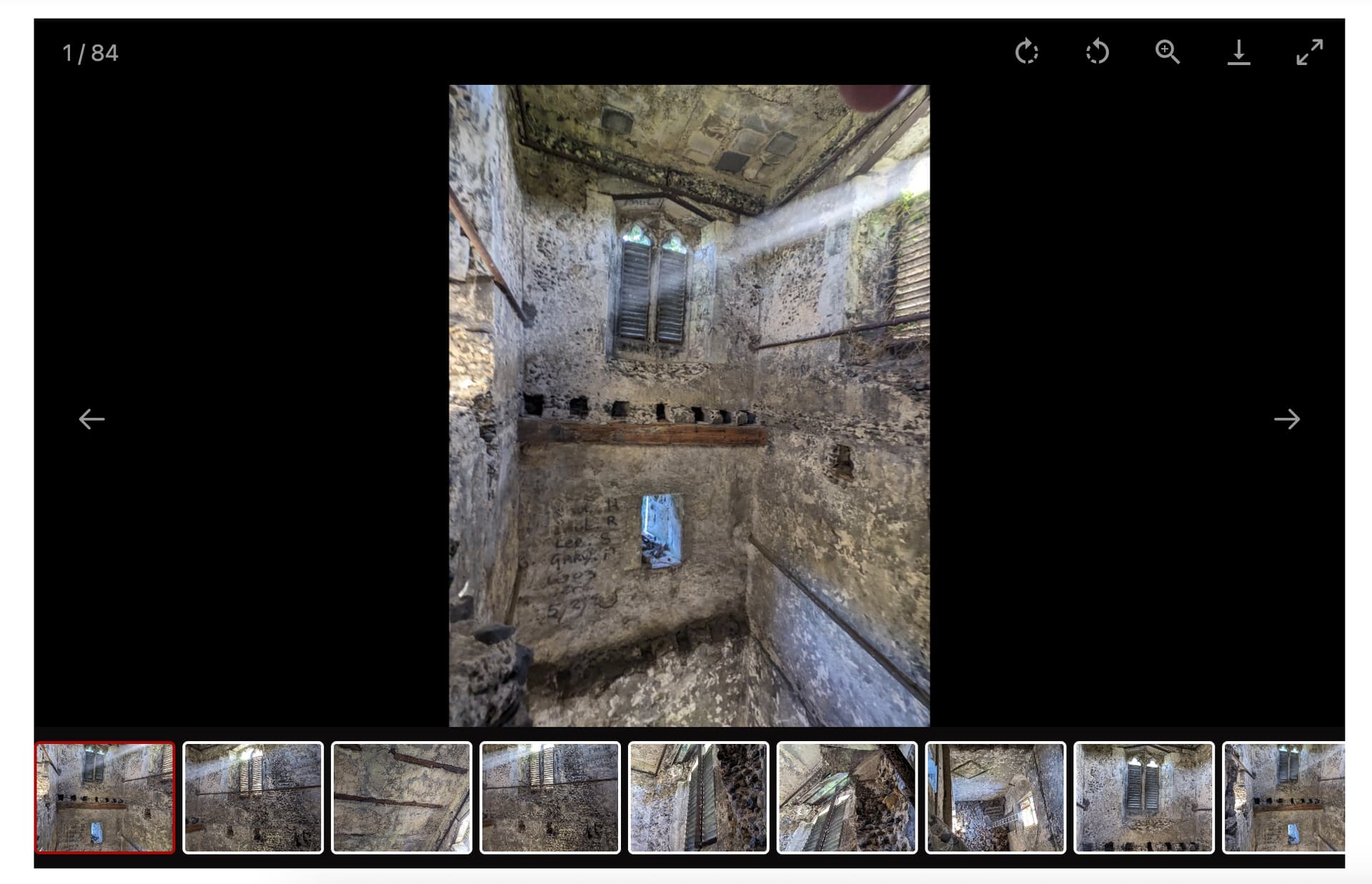
Hello, can someone help me with adjusting the height of the lightbox gallery on resource pages, and possibly adding captions/filenames to it? I’m not sure where/how to figure this out for myself.
Right now the lightbox gallery is way too short on desktop/laptop (mobile is fine) compared to its width and looks ridiculous, especially for photos that are portrait. I’m not sure what the height is currently, it is default setting, but I would like it to be maybe a quarter taller at least.
Also, I have items that have many photos attached as media and right now I have the gallery in the center and a media list on the right side of screen because the media list contains the filenames for each image, which are descriptive. But the media list makes the page really long, and instead I would like to have the filename appear as a caption in a non-obtrusive way (not overlaying the image) in the lightbox gallery. Maybe at the top in the toolbar area, or at the bottom?
I’m flipping back and forth between Lively and Freedom as themes trying to decide which I like best, but if it makes a difference for the advice given I think I will end up going with Freedom.
Thank you!