Hello everyone,
I have encountered an unexpected behavior on my Omeka instance, which is currently under development.
When I use the Bulk Edit and Inverse Properties modules, the metadatas of a media resource is not automatically created as a mirror in the linked items.
For example, I would expect the “author” field of my media item to automatically make that media item appear in the “is the author of” field of the corresponding item, but it doesn’t work.
I am confident that both the Inverse Properties and Bulk Edit modules are properly configured.
If I open the media page and save it manually, the inverse property is created correctly. However, this is not a practical solution in my case, as I am importing metadata from large Excel spreadsheets, and manually resaving every media resource would be unthinkable.
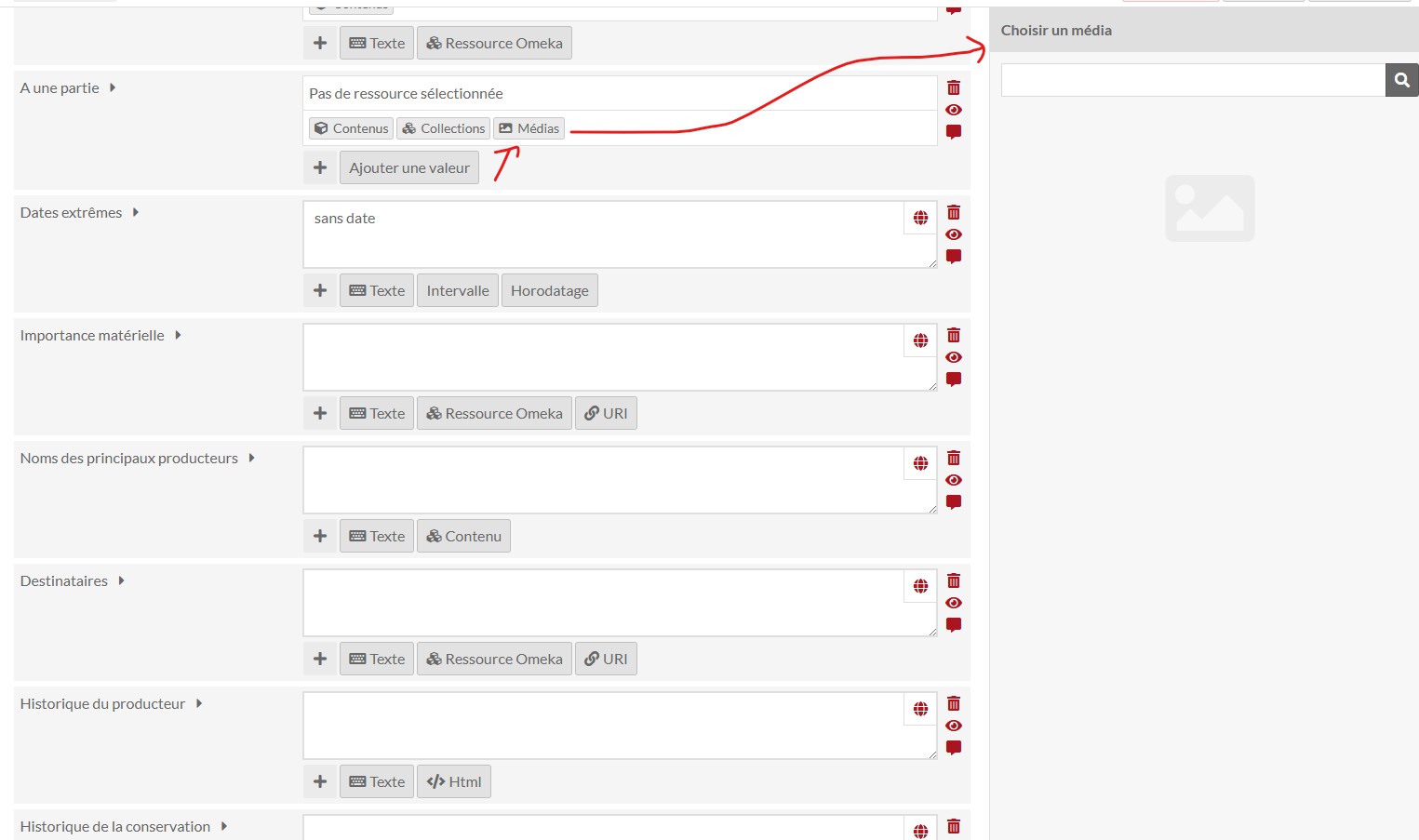
I have also noticed that I cannot directly add media resources to an item as a data type: none of my 6,000 media resources appear in the selection list.
Does anyone know what might be causing this issue? Is there a known solution or workaround? Do you need any additional information from me to help clarify my issue?
Thank you in advance for your help.