I’m configuring Solr with the Advanced Search and Advanced Search adapter for Solr modules. I’m struggling to figure out how to add a date range facet or filter. When I try, my search page shows no items and no facets on page load.
With the internal sql search engine, I can create a working date range facet with the ‘Slider for a range of values’ input and setting the min/max values in the facet’s options. But not so much in Solr.
My date values are indexed as _s, _ss, _txt, _dt, and _dts. I’ve tried _dts and _ss. The dcterms:created field uses the numeric timestamp data type.
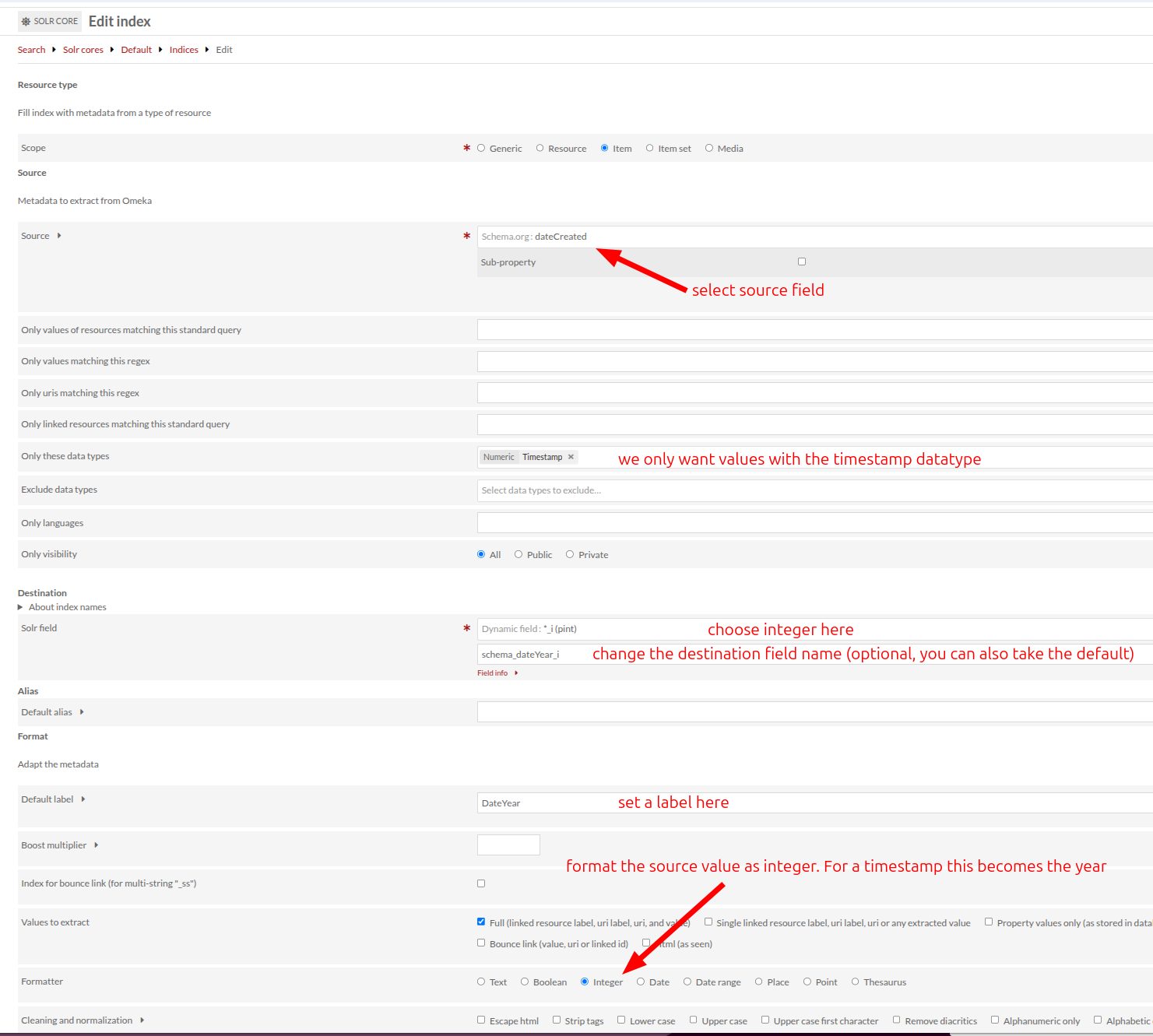
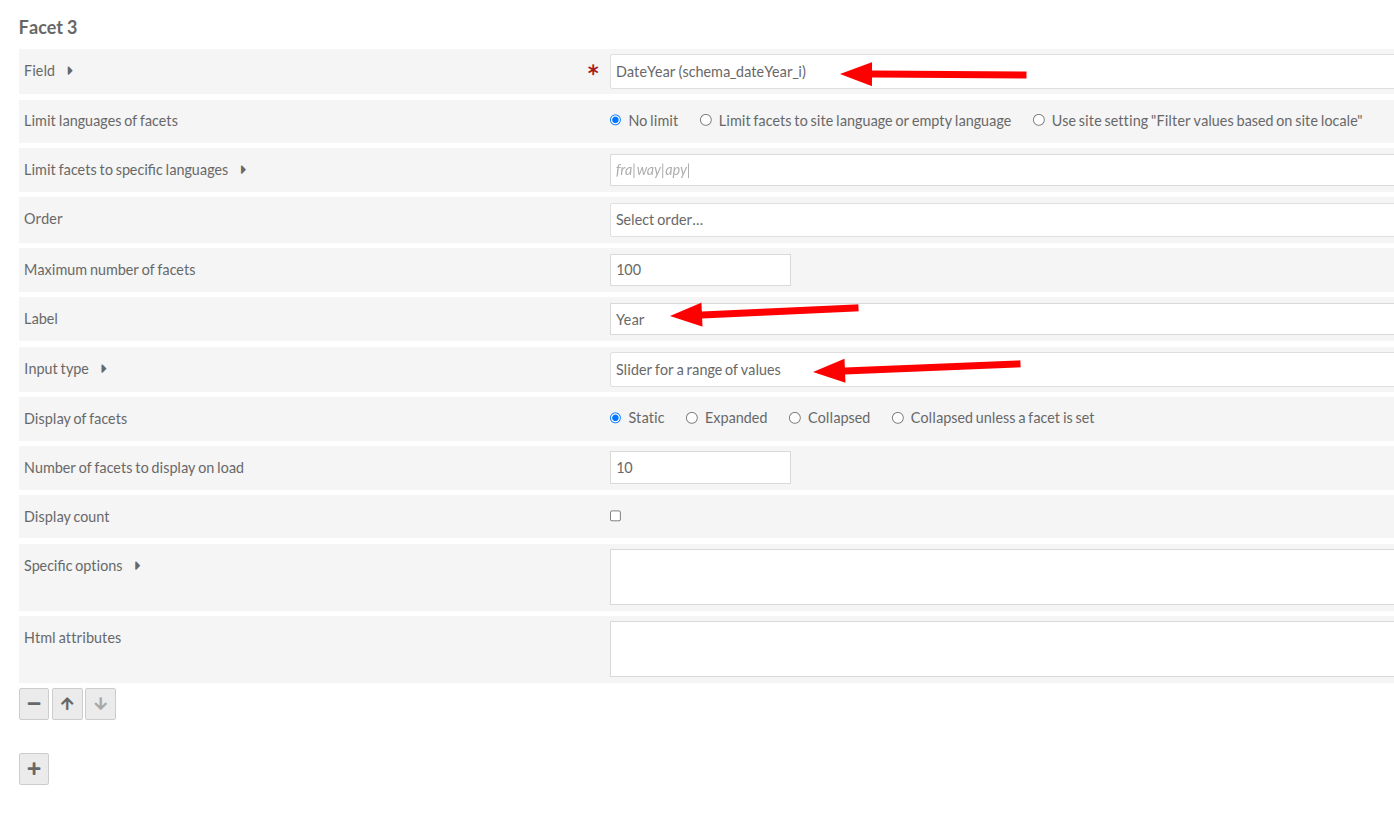
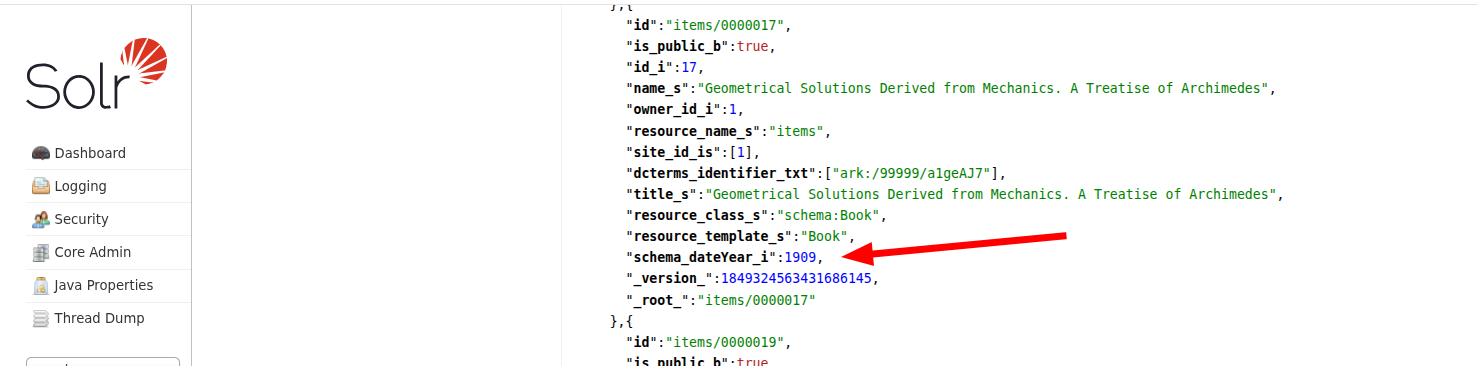
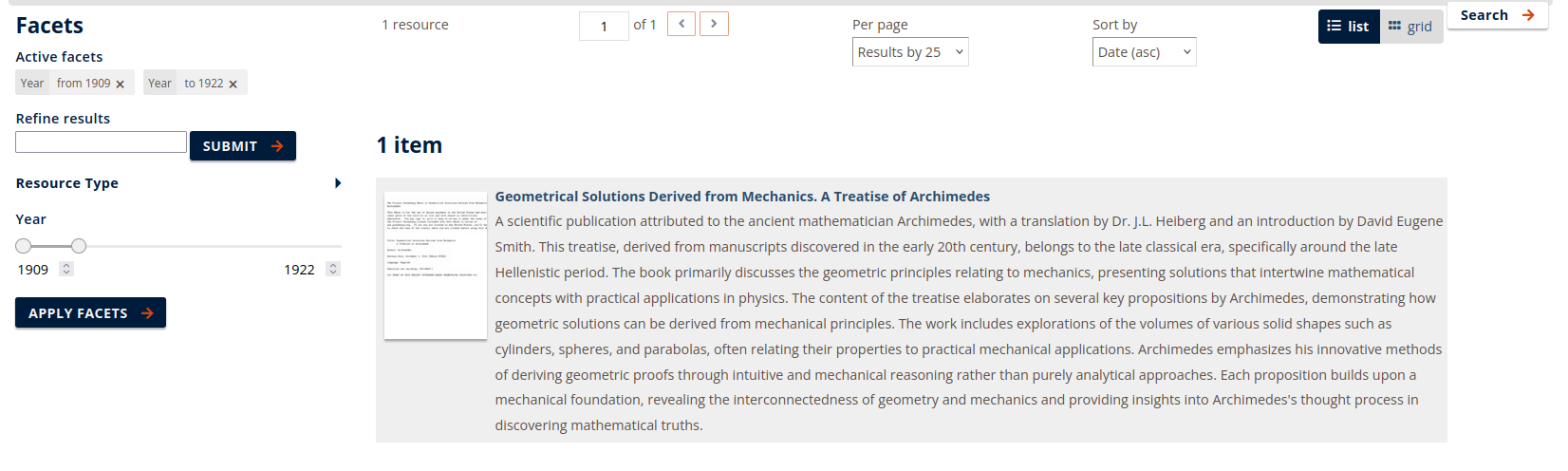
I’m not an expert on the inner workings of Advanced Search and Solr, so I cannot explain the exact cause for the issues that you’re facing. I did not get it to work with full dates, but here’s the method I used to work around it and apply the range slider on year.