The browse order in the site settings is set to title but they appear random because they are listed in the order the items were added. How do I force browse to be in title order? Can this also be changed in items list on the back end?
There’s a default order setting for the backend: there’s a section “Admin browse defaults” in the user settings that allows each user to set their preferred default sort.
You can reach those settings from the gear icon next to your name at the top of the left-side admin navigation bar.
These settings work pretty much the same way as the one for a site’s browse defaults. If you’re having trouble with that, my guess would be that maybe you’re using a module that doesn’t respect this setting or has its own sort settings?
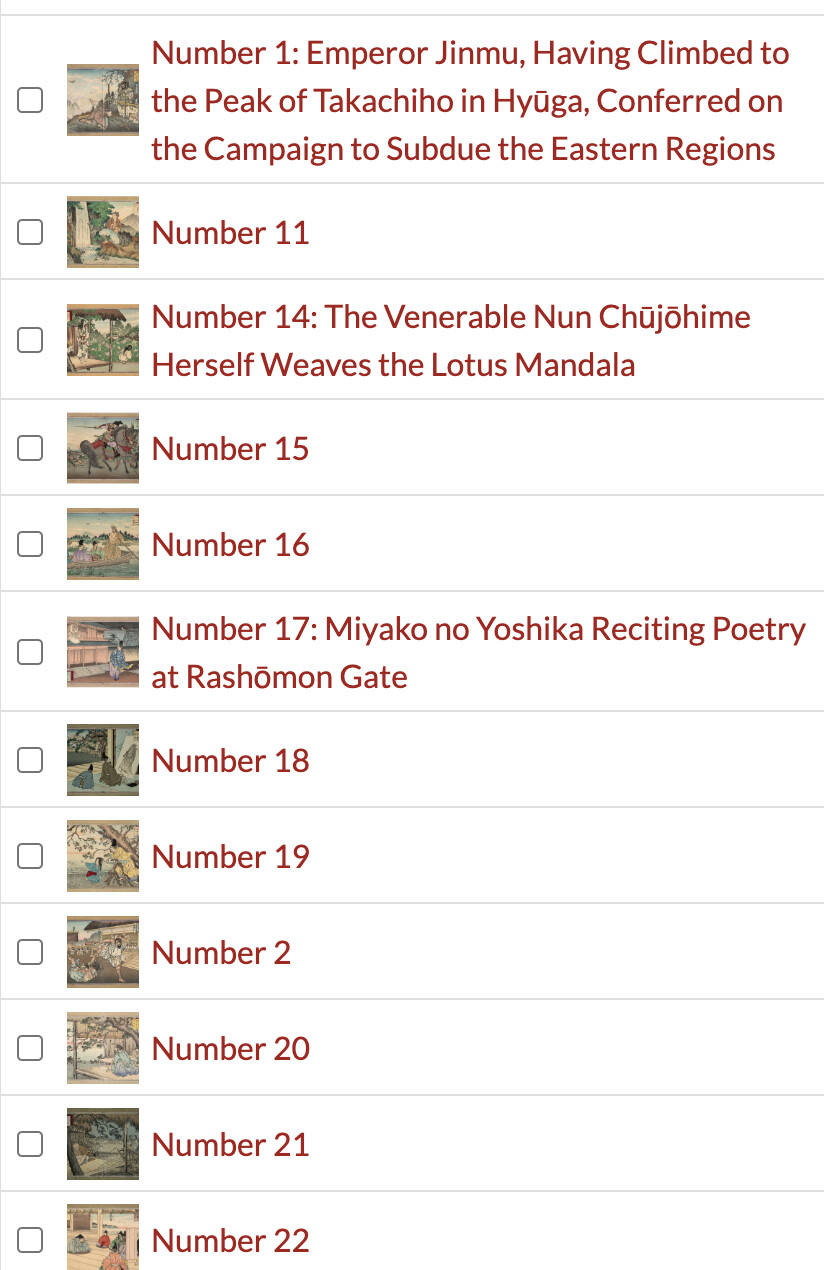
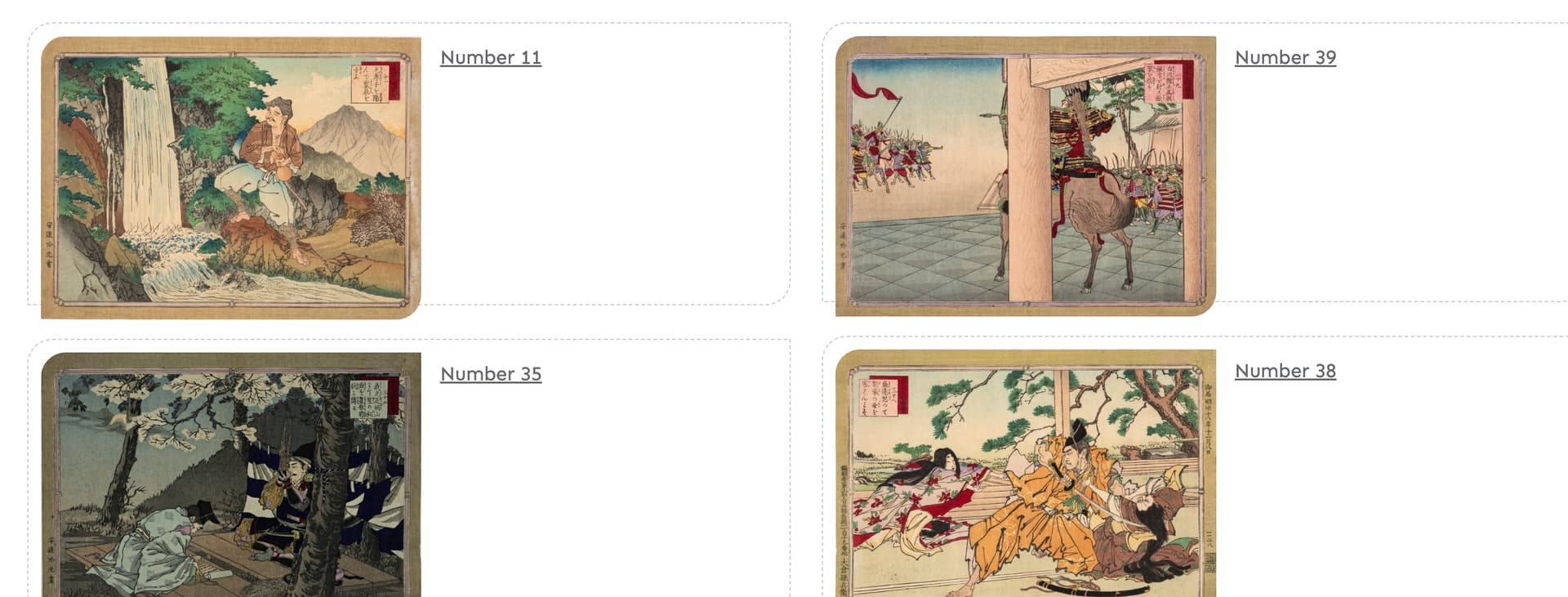
Thanks. Yes, I have used both to no avail on this particular site. Those solutions have worked on similar sites using the same Lively theme. I think the issue is that the Japanese prints are numbered and Omeka does not know how to handle that, at least on the backend. (see screenshot). On the front end it seems so random (see screenshot) no matter what setting I use. Is there a module that would override everything and let me choose the browse order by title alphabetically?
Thanks,
Nicole
Hi Nicole,
If the second screenshot is related to the item browse page, what are the options available in the browse controls area (sort by and sort order dropdowns)?
What is the URL behind the Advanced search link (something like https://.../item/search?sort_by_default=&sort_order_default=&sort_by=title&sort_order=asc&page=1)?
So, the backend looks “normal” for alphabetical sorting to me: alpha sorting goes “letter” by “letter” so if you have numbers of varying lengths you get this kind of effect, everything starting with a 1, then everything starting with a 2, etc.
Making all those numbers two digits (so 1 becomes 01) is a simple fix there. If all your items are numbered like this, you could also use a separate metadata field and Numeric Data Types to have them actually sorted numerically.
The front, that looks like no particular sorting, or possibly date added if that’s recognizably the order those were added in to you, though it’s not totally obvious only seeing a couple items there. Can you link to the public side of the site? It might be easier to see what could be going on from looking at the site itself.
One possibility that comes to mind that isn’t apparent from a screenshot: is this a browse page, or a browse preview block? A block has its own sorting settings that are specific to that block as used on that page, and the browse defaults won’t apply to it (but you can just configure the block to sort how you want by editing the page).
| ### Nicole Scalessa nscalessa@vassar.edu | 4:26 PM (1 minute ago) | ||
|---|---|---|---|
| to Christian |
 |
|
Dear Christian:
Apologies for the late reply, I was on vacation last week. It actually occurred to me before I left this may be a leading 0 issue we often see in excel. I plan to test this out in the next day or so. Appreciate your help!
Best,
Nicole
Here is the link to the browse page: Browse · Loeb Project · The Archive Project
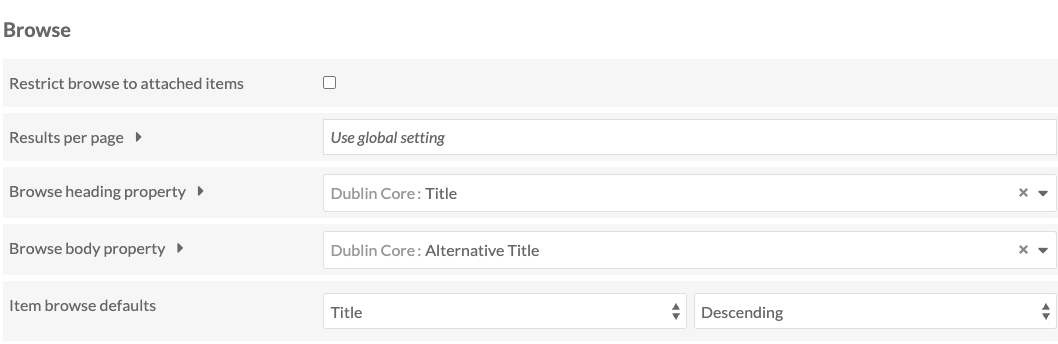
Despite adding the leading 0 (which fixed the backend order) the front remains out of order. I am going to try adding a field for the print number and sort by that. There is a screen shot from Settings for browse attached.
Thanks,
Nicole
Yes, so it does look like that’s a browse preview block on an editable page and not the items browse page itself.
So when you edit the page, you should be able to edit the browse preview block, and edit the “Search query” for the block. In the sidebar that opens there are “Sort” options you can choose, and that’s what sets the sorting for the block; setting Title, Ascending here should be what you want.
The actual browse page for your site looks like it’s sorting fine, though I think right now you have it default sorting on the “number” field along the lines we were talking about, but most of the items don’t have a number field filled in so it’s similarly random-ish (also you probably want Ascending order). Here’s the public browse page with the sorting set to title ascending which shows an expected order.
Thank you so much! It had completely slipped my mind that a year ago they did not like the look of the default browse page so I changed it to the browse block - no wonder nothing was working that I tried (face palm). I am so appreciative of your time and assistance. I think we are in good shape now.