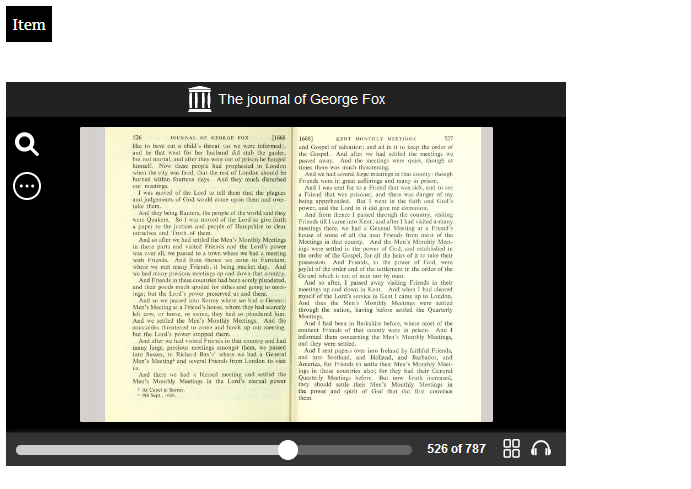
Including an Internet Archive book embed on your Omeka S site is already possible. Go to the item on Archive.org and select the Embed code, in HTML, and copy it to your clipboard.
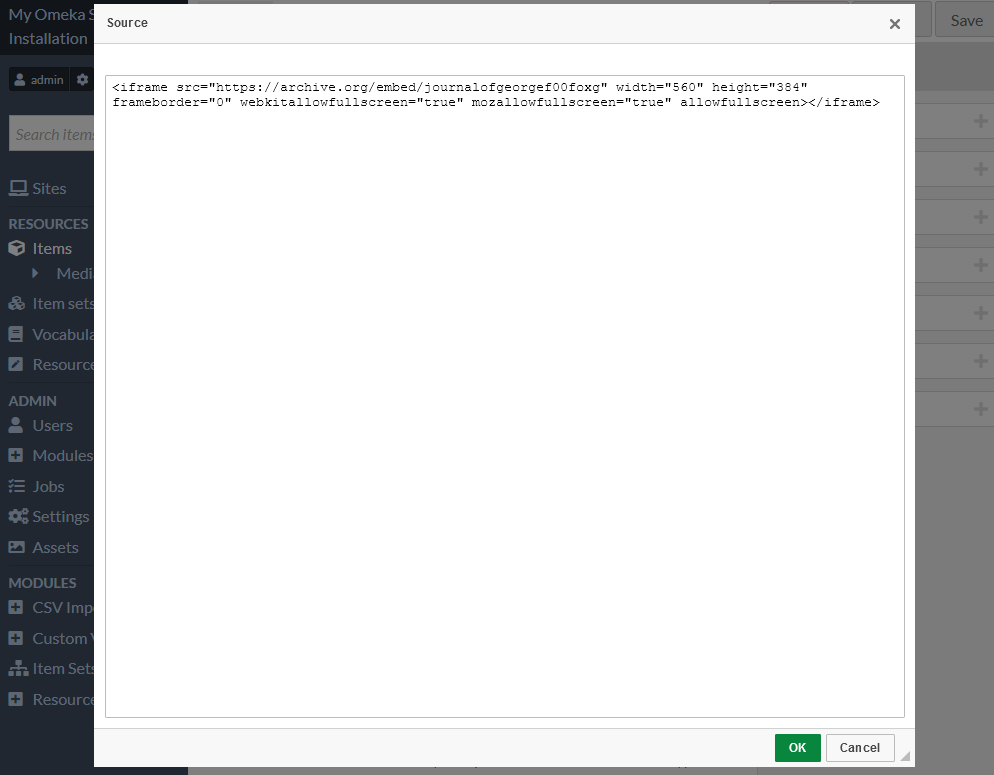
(For example, The journal of George Fox : Fox, George, 1624-1691 : Free Download, Borrow, and Streaming : Internet Archive has the embed code <iframe src="https://archive.org/embed/journalofgeorgef00foxg" width="560" height="384" frameborder="0" webkitallowfullscreen="true" mozallowfullscreen="true" allowfullscreen></iframe>.)
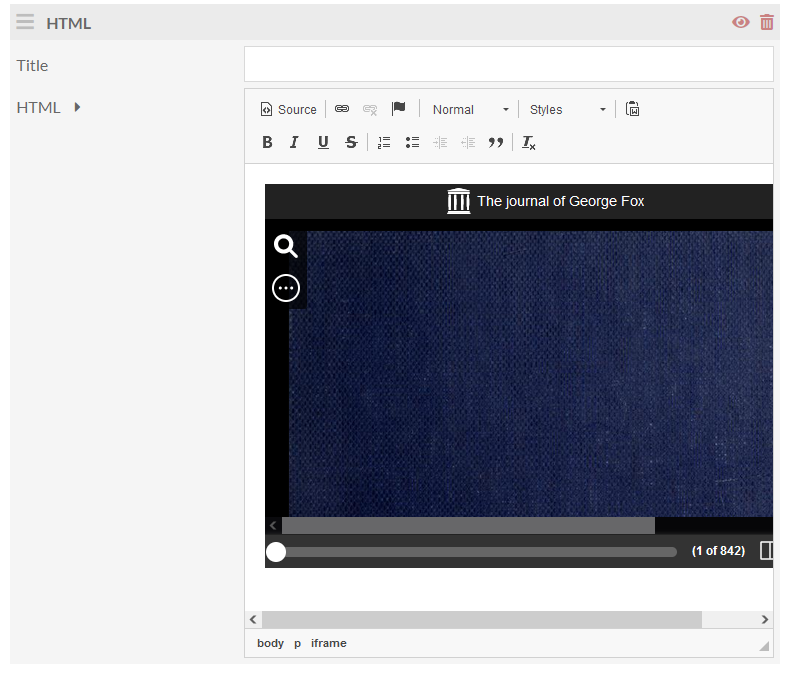
When you add media to an item, select “HTML” as your media source. Then paste that embed code into the HTML field - click “Source” at the top left of the HTML frame first.
On the public side, as long as “Media render” is displaying on your item pages (in resource page configuration) you should see the bookreader embedded in the page.