I’m working on seeing how to improve the accessibility of a custom theme, and we’ve noticed that ExhibitBuilder does not always apply the newly implemented Appearance setting for the ALT text (example: the images embedded from the file-text layout type of an exhibit page). As a workaround, we were looking to apply the ALT text manually through the custom theme view files (if we can figure it out).
One way this is important is for linked images - the ALT text should not be a description of the image, it should be a description of the page/resource the website visitor will be sent to.
We did not see in the Developer Documentation how to retrieve the content of the individual file’s assigned ALT text field. We did see how to retrieve Dublin Core’s Title or Description fields, but not the file’s ALT Text. Is there a way to retrieve this from a property or method?
You can get the alt text for a file using metadata($file, 'alt_text') .
I’m not sure whether there’s a problem with the configured alt text getting used or just that you want to replace it in this context with something else. file-text, and the exhibit views generally, are set up to use the normal file display functions which should automatically be using the configured alt for a file. But it’s a different story if you want it to use something else, of course.
1 Like
Perhaps it’s our installation, as we’ve been using Omeka Classic for about a decade. But we are not seeing the configured alt text setting (attribute selected in admin’s Appearance > Settings > File Alt Text Element) being used in most views, including those under the “Omeka Team” themes as distributed with Omeka.
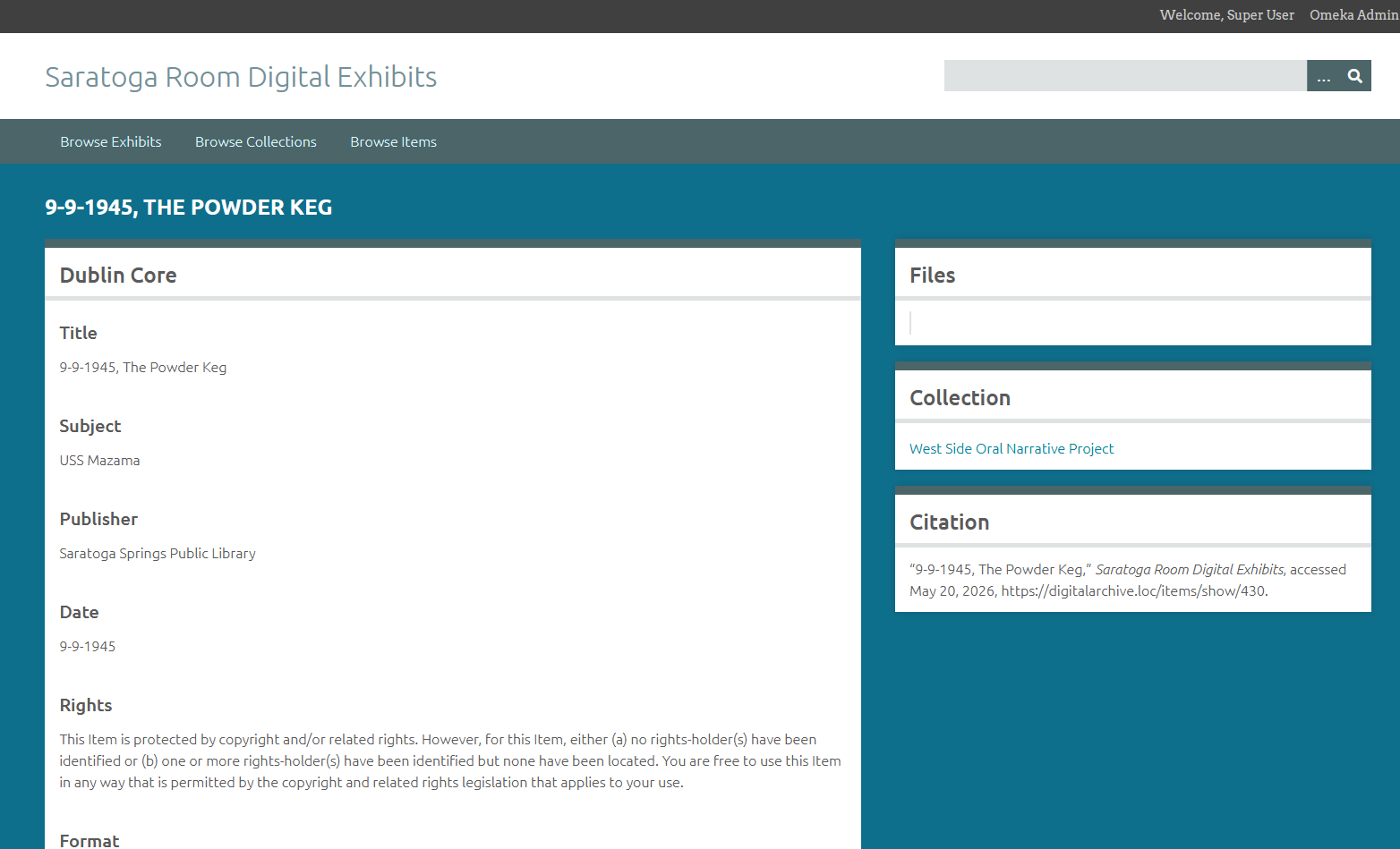
I thought it was perhaps limited to the Exhibit Builder views, but even singular Item pages are not providing an ALT attribute on the rendered thumbnail (…/items/show/### page). We’ve tried configuring the file alt text element to Description (more likely a better ALT text), and then to Title as most items have a title. Neither configuration option seems to render any ALT.
The below photos are from a development server that does not have the actual image assets files, but has everything else (including a copied database). It makes it easier to identify the ALT text.
Note that the setting is File alt text element; it looks for the element you configure there in the File metadata, not the Item.
1 Like
Ohhhh darn. I’m not a user of this system, I only admin it for updates. I don’t think any records have ever been applied to the individual files. 
Thank you for the clarification!